Use tyre set assembly to manage wheels
This article explains how to use an assembly for wheels, rims, and TPMS sensors to calculate rim mileage.
This example demonstrates front rim management, but you can duplicate the same workflow for rear wheels.
Assembly definition
Define the assembly structure based on the vehicle's specific wheel management requirements. This example includes rims and sensors, but additional components (such as wheel nuts) can also be added.
Part categories
Create one part category for:
- Rims
- TPMS sensors
Add parts (can be one part per specification) and part items.
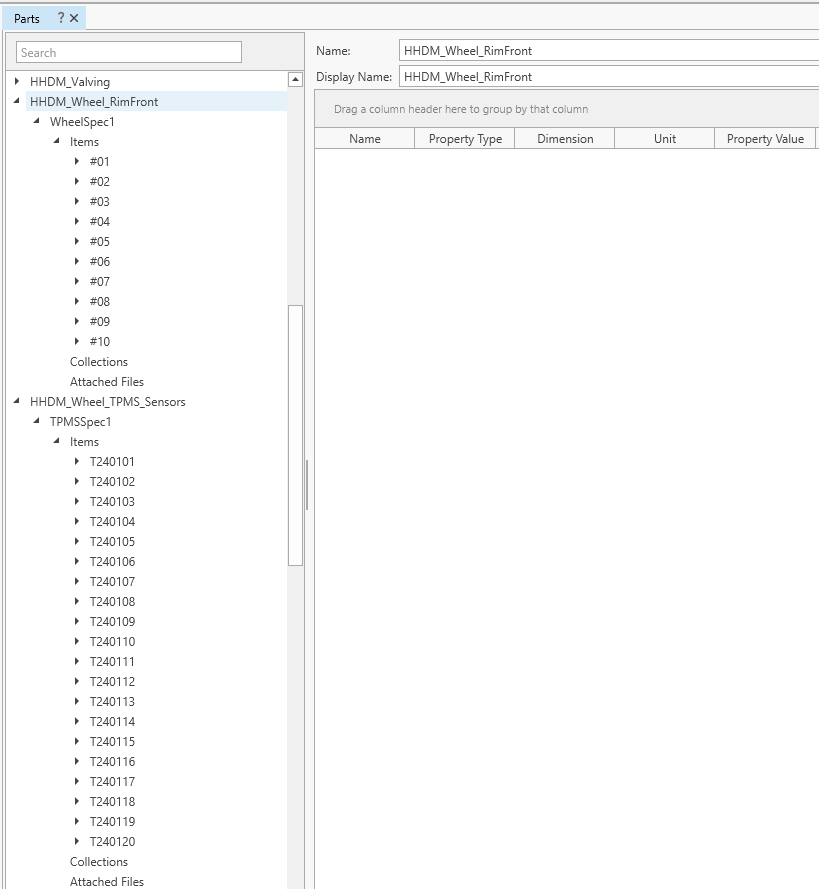
Wheel assembly
-
Create a WheelFront assembly.
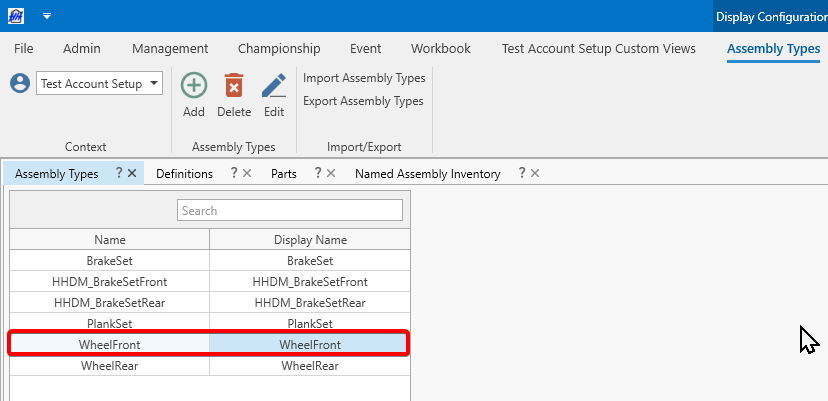
-
Add part parameters to the assembly iteration definition.
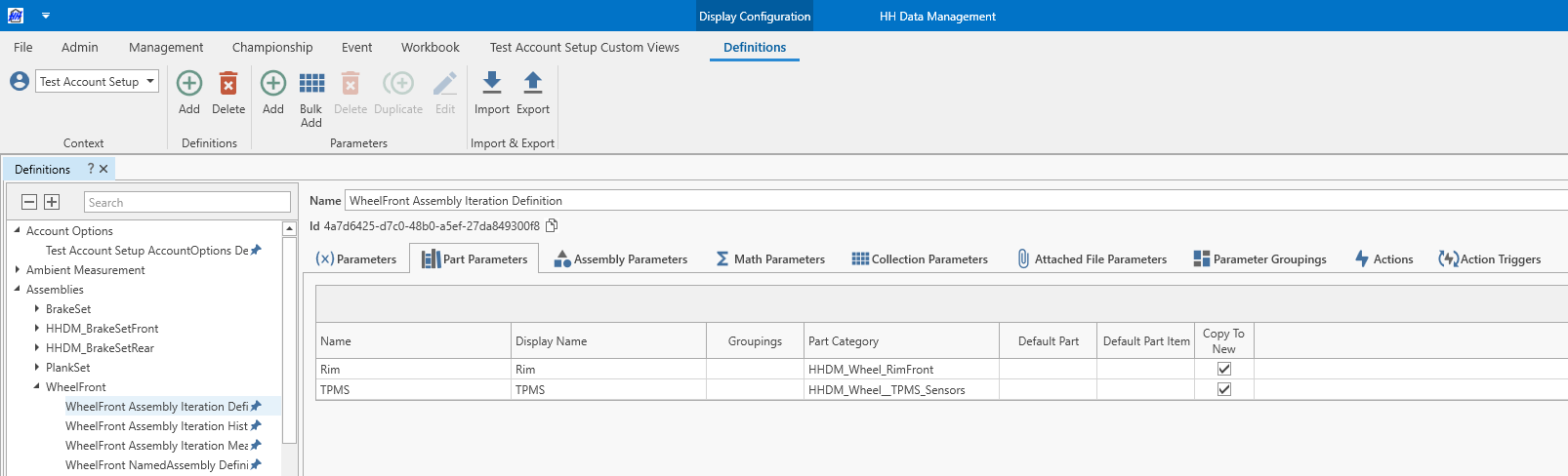
-
Add an assembly parameter to the tyre set definition.
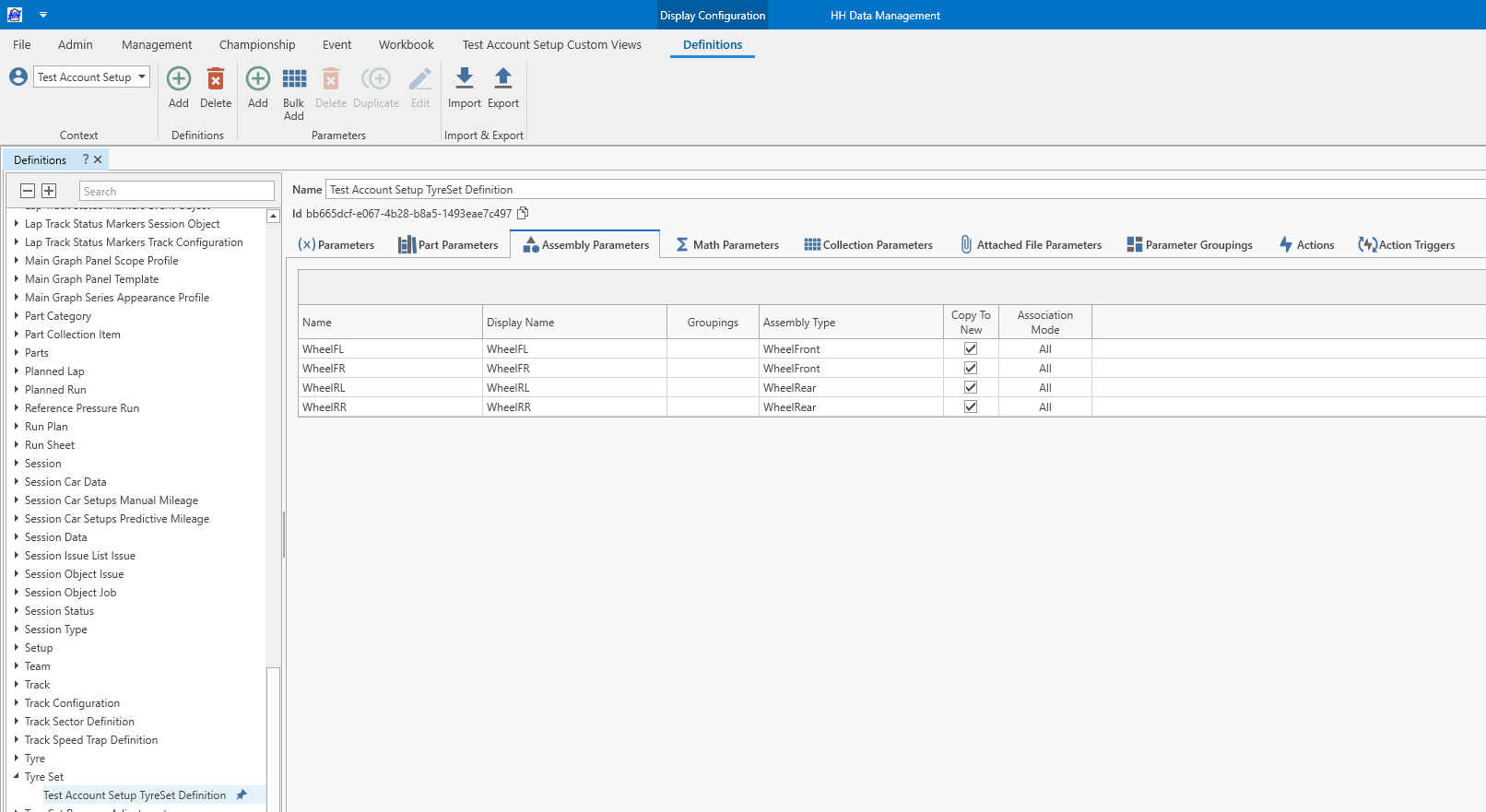
-
Create the wheel named assembly in the named assembly inventory along with its iterations.
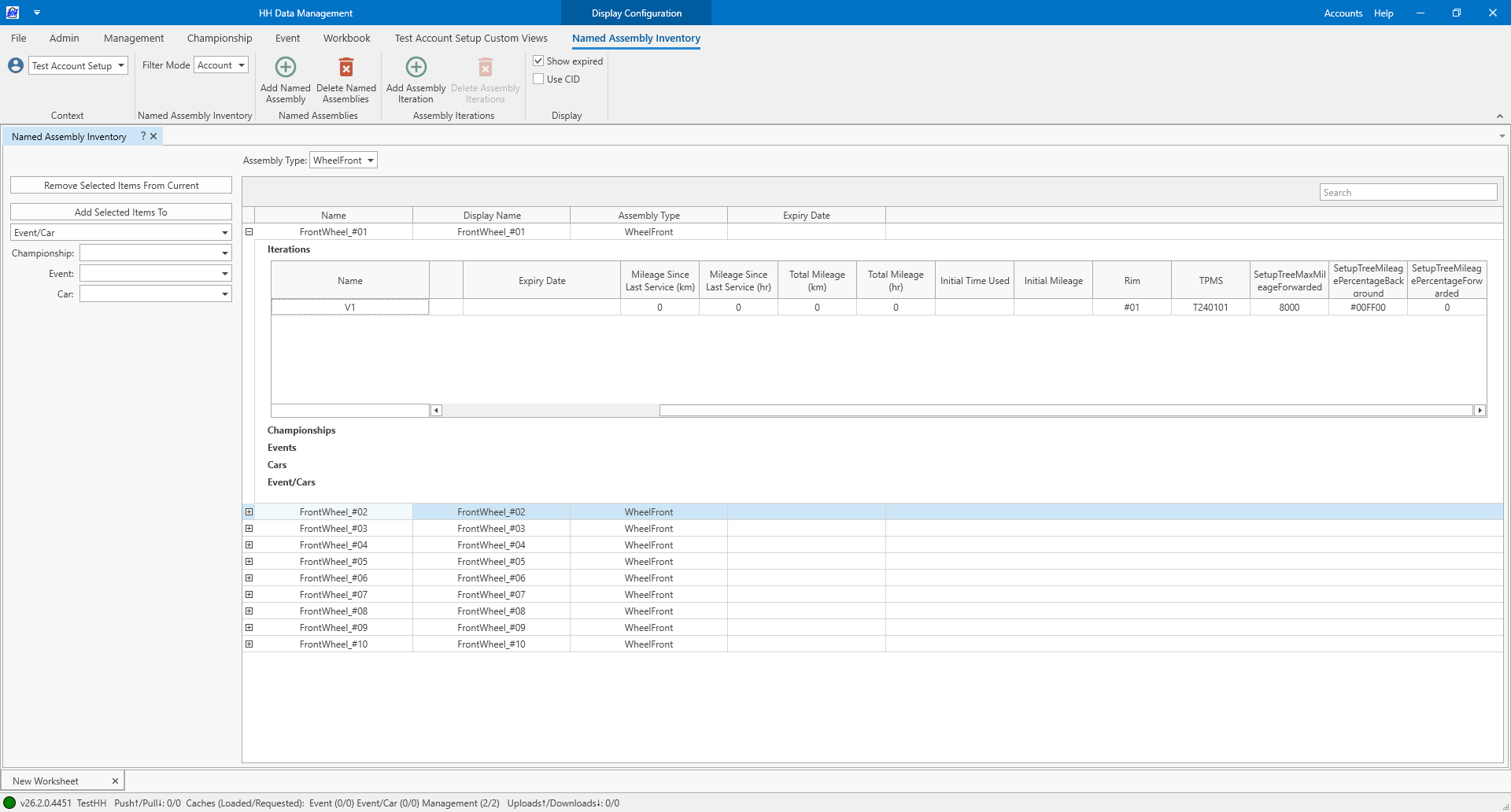
Maintain a consistent wheel name while creating multiple iterations for TPMS sensors changes by defining several named assemblies.
-
Add named assembly selectors and assembly iteration selectors (optional) to the tyre set custom column profile.
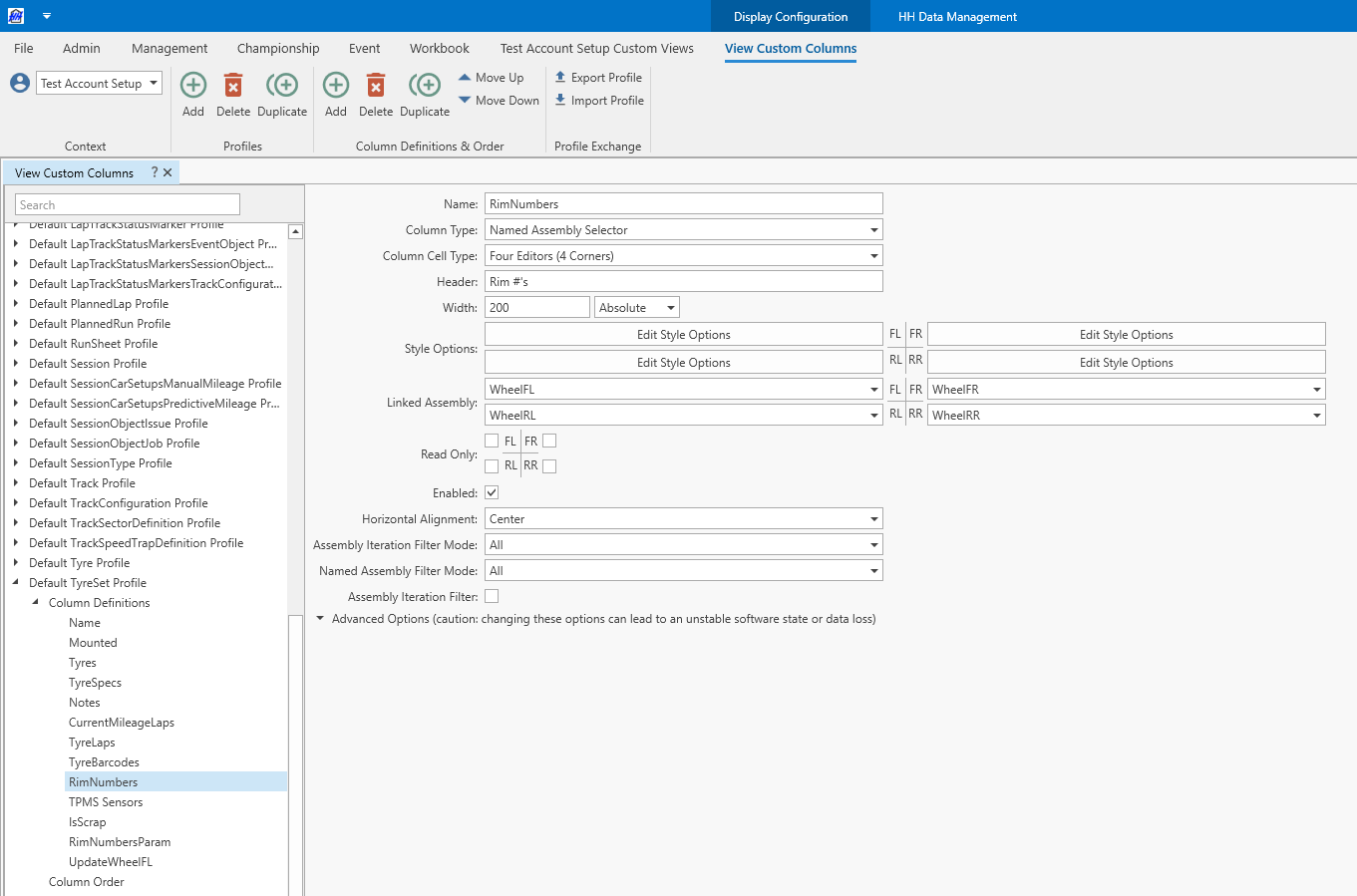
-
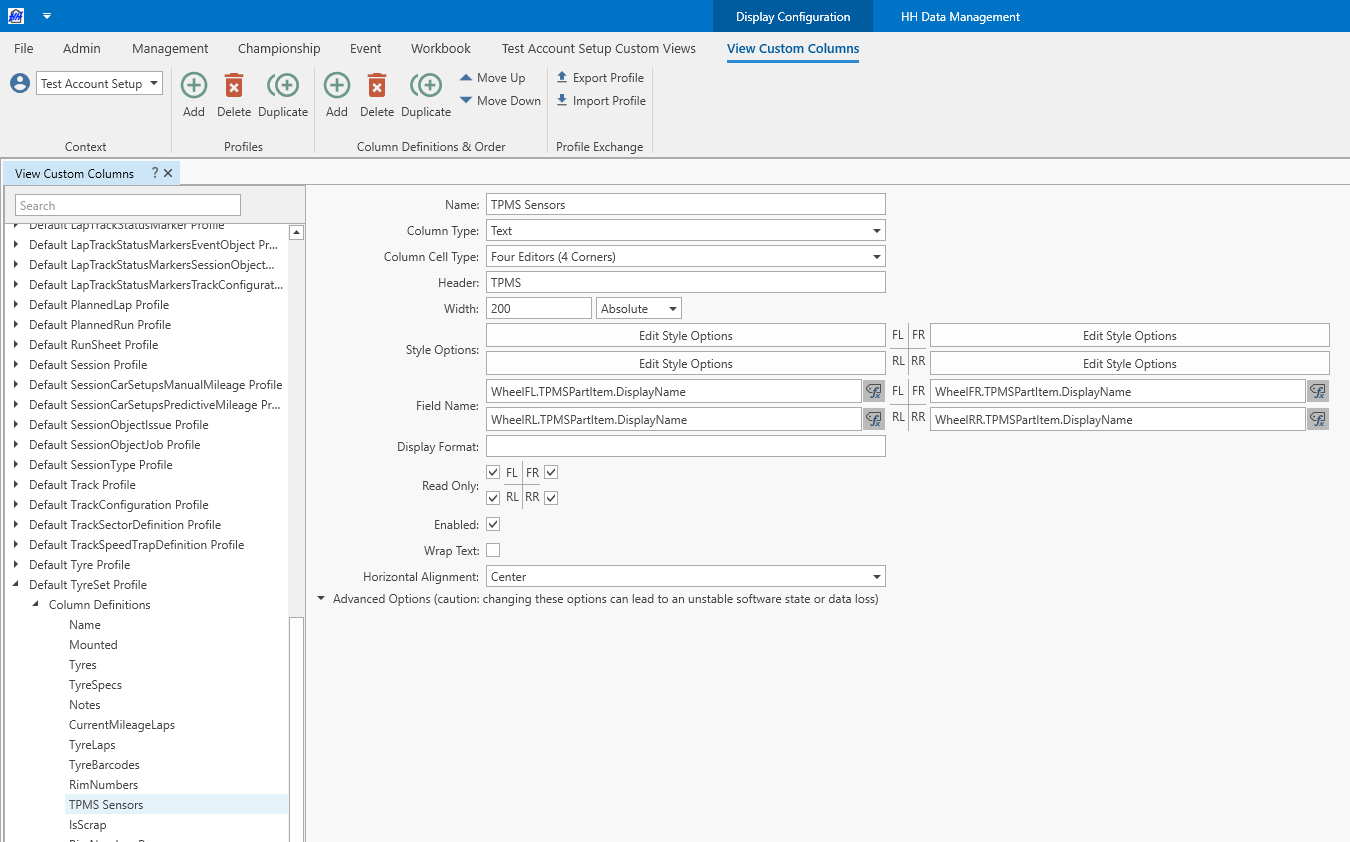
Display the linked rims and TPMS sensors directly in the view.
Select wheels and follow mileage
Rims and TPMS sensors can be added to the assembly iteration.
Wheels can be selected in the tyre set view.

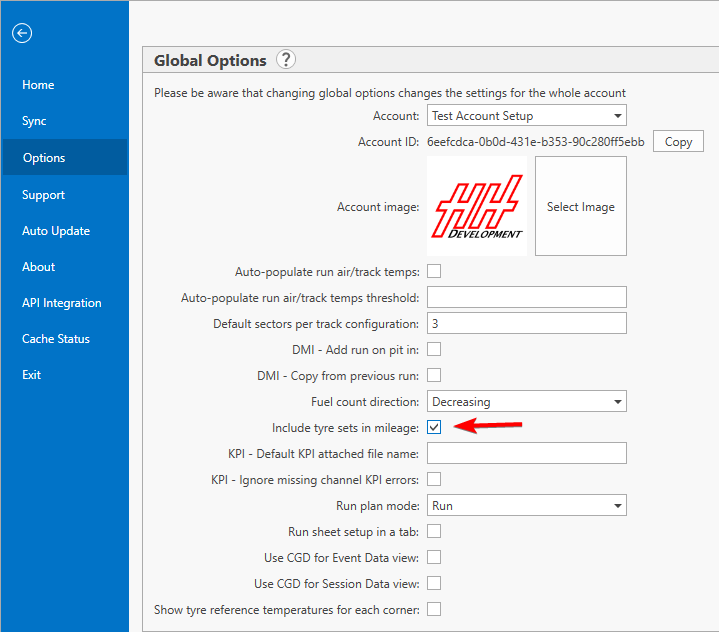
Enable Include tyre sets in mileage account option
Select tyre set in the run sheet
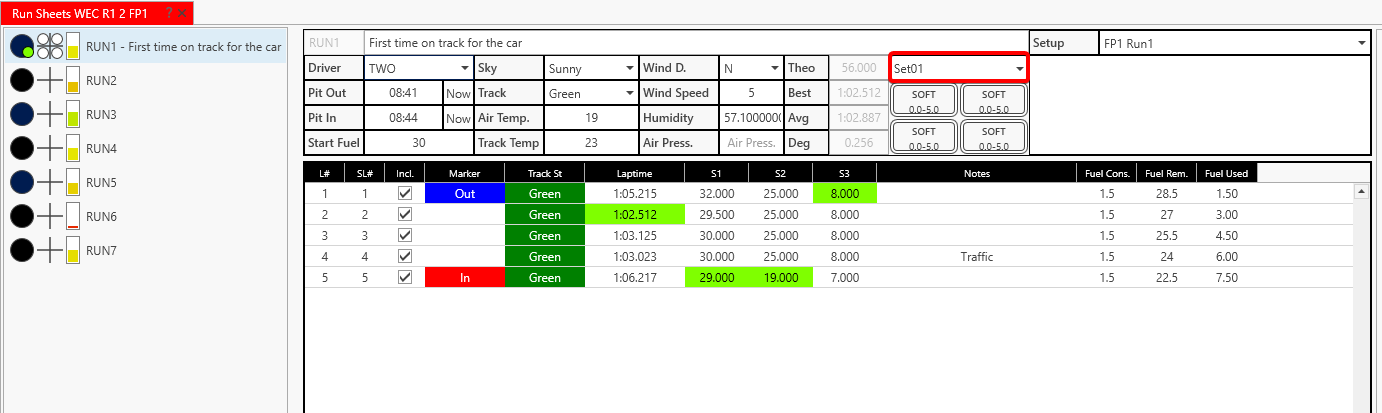
Run mileage and check item mileage view
Wheels, rims, and sensors mileage can be found on the item mileage view.